Creating Images with AI: Can AI See What You See?
What if the gap between what your students write and what an AI generates is the best language lesson you’ve never planned?
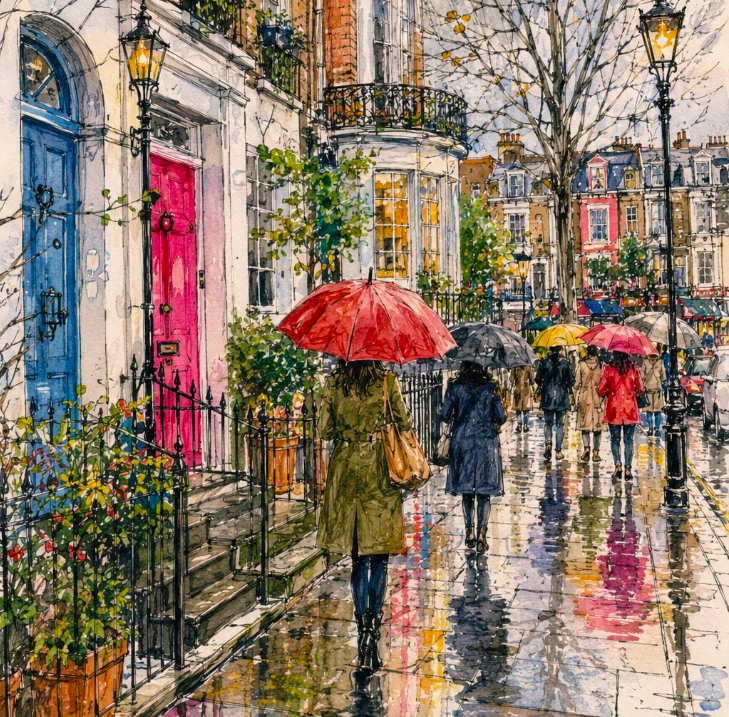
Last week, I was playing around with AI to create images. I wasn’t very good at with creating images with AI tools initially. I described a city scene and the image was dull. But then I tried something else: I uploaded a photo and asked ChatGPT to generate a prompt to recreate that exact photo. The result was amazing! From there, I kept experimenting and tried to create a scene. I tried Canva, ChatGPT, and Gemini, and I loved exploring each of them. That’s when the lesson idea I’m sharing today started to emerge. I sat down and carefully planned each step. Here it is. I hope you’ll like it.
What You Need to Start Creating Images with AI
Each student needs a photo: something from their phone works best (a childhood memory, a favourite place, or a meal they cooked). They’ll also need access to an AI text-to-image or image-description tool; ChatGPT, Gemini, or Canva’s AI features all work well. No special preparation is required.
The Activity, Step by Step
- Write what you see Students choose a photo and write a detailed description in the target language. No prompts, no scaffolding.
- First AI Test: Paste the description, see what the AI makes Students paste their description into ChatGPT, Gemini, or Canva and ask it to generate an image. How close is it? What’s missing? What was misunderstood? This is where the discussion begins.
- Partner Feedback: What did you miss? Students show their photo and original description to a partner. Together, they expand the description, filling in the gaps with details the first writer might have overlooked: colors, positions, mood, or background elements.
- Rewrite and test again Students revise their description using their partner’s additions, then paste it into the AI tool again. How much closer is the result?
- Let the AI describe your photo Now, students upload their original photo directly to ChatGPT or Gemini and ask it to write a detailed description. This is where things get interesting: what does the AI notice that they didn’t?
- Human vs. AI Descriptions Students compare their own description with the AI’s version. What vocabulary did the AI use that they didn’t know? What did the AI miss that the human captured; especially elements like emotion, memory, or cultural context?
- Cross-Tool Testing: Does the prompt travel? Students open a new AI tool, paste the AI-generated description from Step 5, and ask it to generate an image. Is it closer to the original photo than the student’s own description was? Why or why not?
Why Creating Images with AI Works in the EFL Classroom
Beyond the immediate engagement of creating images with AI, this plan helps students see the followings as well:
- Precision in writing: Students see that details help them create the best product.
- Noticing: By comparing their writing to the AI’s version, students naturally identify gaps in their own language use and pick up new vocabulary.
- AI Literacy: It teaches students how language models interpret text and where they succeed or fail.
- Critical Thinking: Students learn to distinguish between how AI describes a scene and how humans interpret it.
- Engagement: Because students use their own personal photos, they actually care about the outcome.
Over to you: Have you played around with image generators in class yet? What’s the funniest misinterpretation an AI has given your students?
If you try this with your students, I’d love to hear what happened 🙂
More posts on creating images with AI: here and here
💡 Want practical lesson plans, ready-to-use classroom materials, and AI tips delivered straight to your inbox every week? Join my free newsletter below: